Guides
Sheet Music From Spotify: What Actually Works
A Spotify stream can't be transcribed directly — it isn't a file you own, and ripping one breaches the terms. The honest routes that work.

By Antoine Duno
Updated September 20, 20267 min read
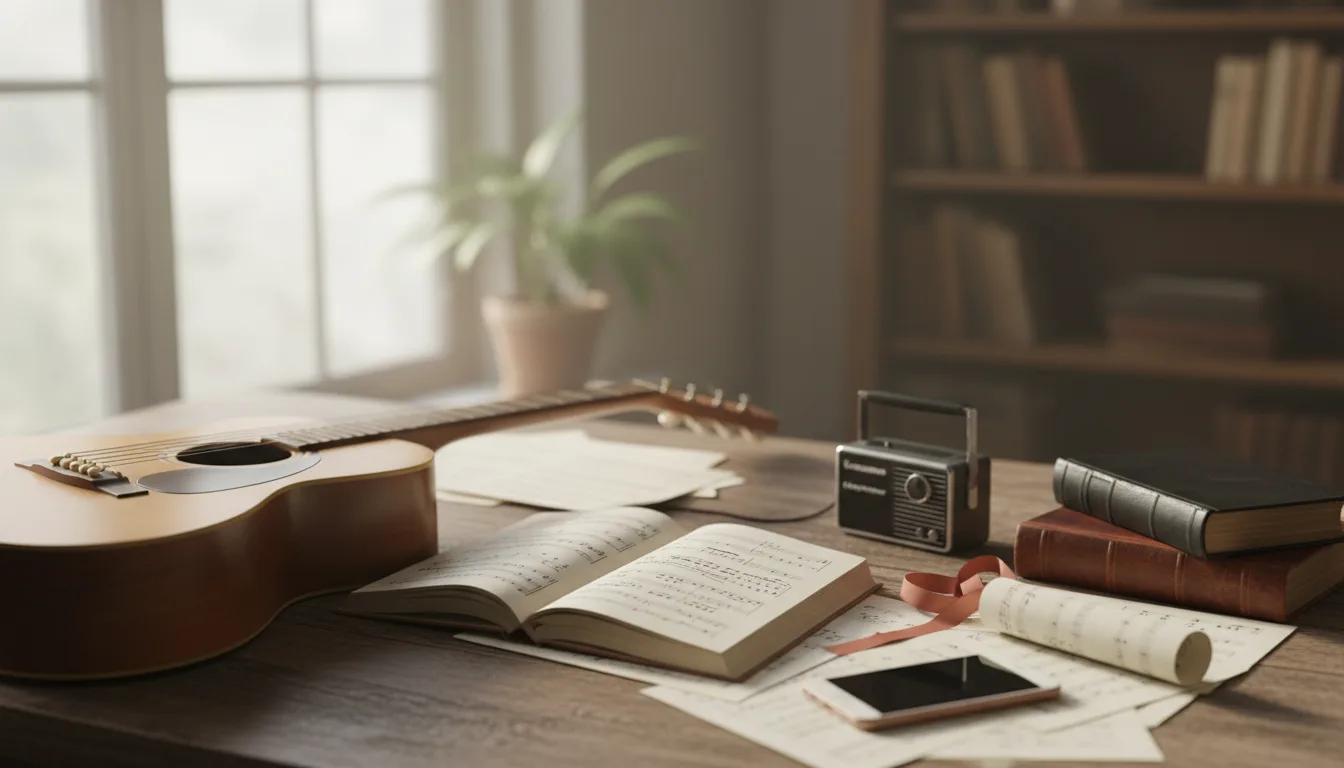
You heard it on Spotify — a piano arrangement that does not exist on any sheet music site, or an original piece you want to learn — and now you want the notes. Searching "Spotify to sheet music" suggests there should be a converter you can point at the track. There is not, and it is worth understanding why, because the reasons point you to the routes that do work.
Why a stream cannot go in the upload box
Every transcription tool, ours included, reads an audio file: an MP3, WAV or M4A sitting in your downloads folder. A Spotify stream never becomes one. What the app plays is licensed audio delivered to the app — and to Spotify Connect devices — under terms that treat the catalogue as something you listen to, not something you take away. Spotify's user agreement lists copying, recording and "ripping" the content among prohibited uses.
So "Spotify to MIDI" tools that promise otherwise are either capturing the stream anyway — which the terms name — or doing something else entirely. And capture is only the first problem. Even a perfect rip leaves you holding a copy of someone else's recording of someone else's song, which is where the rights question actually starts.
The two rights stacked in every track
A released recording carries two separate copyrights, held by different people: the sound recording — this particular performance, usually owned by the artist or label — and the musical work — the composition, owned by the songwriter or publisher. The difference between a musical work and a sound recording walks through it properly, with the Copyright Office's own circulars.
The practical consequence: a transcription of a Spotify track is a written copy of a copyrighted arrangement of a copyrighted song. What you may do with that — private study, performance, publishing, selling — is a rights question we cannot answer for you, and it exists no matter which tool produced the score. What we can say is that none of these questions arise when the recording is yours, which is why the rest of this page is built around that.
If the track is yours
A surprising share of people searching "Spotify to sheet music" are artists: your own song is on streaming, and you want a score for a publisher, a session player, a registration or your own archives.
That is the easy case, because you never needed the stream. Use the files you already have:
- The master or demo from your DAW or studio — the same audio you sent your distributor.
- A voice memo or phone take of you playing the piece solo; our guide to turning a voice memo into sheet music covers the export.
- A fresh recording played for the score: close to the piano, quiet room, steady tempo, moderate pedal. Recording piano with your phone covers placement.
Upload any of those at /transcribe — MP3, WAV or M4A, up to 25 MB and 10 minutes — and the piece comes back as an engraved grand-staff PDF, a MIDI file and a MusicXML file. The first 30 seconds are transcribed free in your browser; a finished piece is $4.99, and $9.99 a month covers unlimited pieces. If your plan is bigger — a catalogue of originals to register or sell — turning a songwriter demo into sheet music and selling your own sheet music cover the paperwork side.
If the track is someone else's
The honest list, in order of how well it usually works:
- Buy the licensed score. For anything released commercially, the arrangement often exists: the publisher's own site, licensed retailers, the artist's store. A professionally engraved score beats any transcription, and the composer gets paid.
- Learn it by ear. Spotify's desktop app and third-party practice tools can slow playback; looping four bars at half speed is how generations of pianists lifted arrangements. Transcribing piano music by ear is the method, and playing by ear then writing it down covers getting your version onto paper.
- Record your own playing, then transcribe that. Once you can play the piece — even imperfectly — record it and run your recording through the tool. The score you get is a transcription of your performance, which removes the copied-recording problem entirely. The composition still belongs to its writer, so keep the score personal or check what sharing it would involve.
- Commission a transcriber. For a piece you cannot work out, humans still do this; what transcription costs prices it.
If practising is the goal, the MIDI file from a transcription of your own playing is genuinely useful — it slows down, loops and splits hands: practising with MIDI files shows how.
The same answer everywhere else
Apple Music, YouTube Music, Amazon Music, TikTok clips: the shape is identical. Streams are licensed audio, not files, and capturing them runs into the same terms and the same two rights. The one meaningful exception in this neighbourhood is YouTube — not because the rules differ, but because YouTube documents a download route for your own uploads. Sheet music from a YouTube piano video works through that case.
One naming footnote: Basic Pitch is built by Spotify's engineers, which causes real confusion. It is a free, open-source audio-to-MIDI model, and a genuinely good one — but it reads audio files you give it, not Spotify streams, and it outputs MIDI rather than notation. Audio to MIDI converters compared places it among the rest.
Frequently asked questions
Can I transcribe a song straight from Spotify?
No tool can take a Spotify stream, ours included. A stream is not an audio file you hold — the audio is delivered under licence and protected, and Spotify's user agreement bars copying, recording or ripping the content. A transcription tool needs a file you may use.
Is it legal to record Spotify audio to transcribe it?
We cannot advise on law, but the terms are plain: Spotify's agreement lists copying, recording and 'ripping' among prohibited uses. Beyond the terms, a released track carries two copyrights — the recording and the composition — so the question does not end at capturing the audio.
My own song is on Spotify — how do I get sheet music?
Use the master or demo file you already have, not the stream. Any MP3, WAV or M4A of your own solo piano performance up to 25 MB and 10 minutes can be uploaded at /transcribe and comes back as PDF, MIDI and MusicXML for $4.99, no subscription.
How do I learn a piano piece I found on Spotify?
Three honest routes: buy the licensed sheet music if it exists, work the piece out by ear with slowed playback, or record yourself playing what you have learned and transcribe that recording. The last two leave you with a score built from your own performance.
Does Spotify have a sheet music or transcription feature?
No. Spotify is a listening service and offers no notation export. Its engineers did build Basic Pitch, a free open-source audio-to-MIDI tool, but that takes audio files you supply — it does not read streams — and it outputs MIDI rather than sheet music.
Is Apple Music or YouTube Music any different?
Same shape, same answer. Streaming services deliver audio under licence rather than as files you own, and their terms treat capturing it the same way. For YouTube videos specifically — where downloading your own uploads is documented — see our YouTube guide.
Sources
- Spotify End User Agreement (prohibited uses include copying, recording and "ripping" content; the service is licensed for listening)
- US Copyright Office, Circular 56A: Copyright Registration of Musical Compositions and Sound Recordings (revised 03/2021 — the work and the recording are separate copyrights)
- Basic Pitch (Spotify) and the Basic Pitch GitHub repository (free, Apache-2.0, audio-file input, MIDI output)
Pages read 20 September 2026. What Piano to Sheet Music accepts is described from its upload code and pricing page. We publish no accuracy figure for the tool, and nothing on this page is legal advice.
Keep reading
Play by Ear? You Don't Have to Learn to Read
You play by ear and can't read music. Here is how to get your playing written down properly anyway — for a teacher, a band, an exam, or just to keep it.
9 min read
Own a Digital Piano? Record MIDI, Skip Transcription
A digital piano can record exactly which keys you pressed as MIDI, which beats transcribing audio. Three ways to record it and how to turn it into a score.
11 min read
Voice Memo to Sheet Music: iPhone and Android
Turn a piano voice memo into sheet music: the recorder settings to check, how to export the audio file on iPhone, Pixel and Samsung, and what to upload.
9 min read
Sheet Music From a YouTube Piano Video: What Works
Transcription tools need an audio file, not a YouTube link — and whose video it is matters. The routes that work, for your own videos and beyond.
7 min read
How We Measure Piano Transcription Accuracy
We measured where automatic piano transcription breaks: the protocol, the onset F1 numbers on named test pieces, and six uncorrected examples.
10 min read
How to Record Piano With Your Phone for Transcription
How to record piano with your phone for clear sound and accurate transcription: phone placement, the right settings, room tips, and mistakes to avoid.
8 min read