Free tool · .mid · .midi
Your MIDI file, as sheet music.
Drop a .mid file and get an engraved score on a grand staff — parsed, laid out and downloadable as MusicXML in your browser. No account, no upload, no charge.
Drop a MIDI file here
.mid or .midi, up to 20 MB. Free, no account, nothing uploaded.
Choose a fileYour file never leaves this device — it is parsed and engraved in your browser. Tempo changes, key and time signatures are read from the file itself; the left/right hand split is the one thing that is inferred.
What you get
01
A score, engraved
Notes, tempo, key, meter and sustain pedal are read from the file and laid out on a grand staff you can play back and proofread on screen.
02
MusicXML, free
The whole score as a .musicxml download — no watermark, no account. Open it in MuseScore, Sibelius, Dorico or Finale and edit every note.
03
A path from audio
What MIDI cannot do is exist for a recording. If your starting point is audio, the transcriber turns it into the same files — 30 seconds free, then $4.99 a piece.
MIDI is the easy input — and the honest one
Converting MIDI to notation is a different problem from transcribing audio. The notes were never lost: a MIDI file records exactly which keys went down, when, and how hard. There is nothing to guess, which is why this tool can be free — the work is engraving, not detection.
What the file does not record is intent. It knows a note lasted 437 ticks, not whether you meant a dotted quarter. Tempo changes, lyrics and controller data are often in there; which hand played which note almost never is. The score you get is a faithful, quantized reading of the file — a first draft that is exactly right about pitch and honestly approximate about everything else. Why MIDI-to-notation comes out messy and what a MIDI file actually contains go deeper.
Everything runs on your device: the file is never uploaded, and the MusicXML is yours the moment the score appears. If what you actually have is a recording — MP3, WAV, a voice memo — that is the problem the transcriber is for.
Honest limits
Where you will still proofread.
A MIDI file says what happened, not what was meant. The score is a clean first draft — here is what a first draft means.
Quantized, not performed
Timing is written to a grid of sixteenth notes and triplets. Rubato, swing and human push-pull are straightened out — that is what notation is for, but check anything you played freely.
The hand split is inferred
MIDI tracks and channels are collapsed into one piano part, then split left/right by pitch around middle C. A file with neatly separated hand tracks still gets the same guess — move notes between staves if it is wrong.
One tempo, one meter
A piece that changes tempo or time signature mid-file is written at its opening values, and the report says so. Fix the changes where they belong in a notation app.
One voice per staff
Two independent lines in one hand — a fugue subject and its countersubject — come out as chords and a single rhythm, not two voices. Voices are the main thing to rewrite afterwards.
Velocity becomes dynamics
Note velocities are carried through and shown as dynamic marks, but articulation is not: staccato, accents and pedalling nuance beyond plain sustain are lost. Add them while proofreading.
Ensembles collapse to piano
A multi-instrument MIDI file pours every track onto one grand staff. Export the piano part alone from your DAW or sequencer first for a readable score.
The MusicXML download exists precisely so that a wrong guess is a few seconds' work in a notation app — not a reason to start over.
Questions, answered
Is this MIDI to sheet music converter really free?
Yes — completely. The file is parsed and the score is engraved in your browser, and the MusicXML download costs nothing and needs no account. The paid product on this site is audio transcription: turning a recording into notes in the first place.
Which MIDI files can I convert?
Standard .mid and .midi files in format 0 or format 1, timed in beats (PPQ) — which is almost every file a DAW, sequencer or digital piano exports. SMPTE-timed files and format 2 multi-sequence files are refused with an explanation rather than misread.
What do I get at the end?
An engraved score on a grand staff, playable in the browser, plus a MusicXML download that opens in MuseScore, Sibelius, Dorico or Finale with every note editable. Tempo, key signature, time signature and sustain pedal are read from the file itself.
Does it keep dynamics and the sustain pedal?
Note velocities are carried through and printed as dynamic marks, and sustain pedal (CC64) becomes pedal markings. What MIDI does not encode — articulation, phrasing, which hand played what — is inferred or left out, and the report says which.
My file has several instrument tracks. What happens?
Every track and channel is merged into a single piano part, so an orchestral file becomes a very dense score. For a clean result, solo or export just the piano track in your DAW before converting.
What if I have an audio recording instead of a MIDI file?
That is the harder problem this site is built around: the transcriber turns MP3, WAV or M4A recordings of solo piano into the same kind of score. The first 30 seconds are free in your browser, then a full transcription is $4.99.
Go deeper
What Is a MIDI File? Turn One Into Sheet Music in Minutes
A MIDI file stores notes, not sound — so sheet music is one conversion away. What's inside a .mid file, and how to turn one into a printable score.
8 min read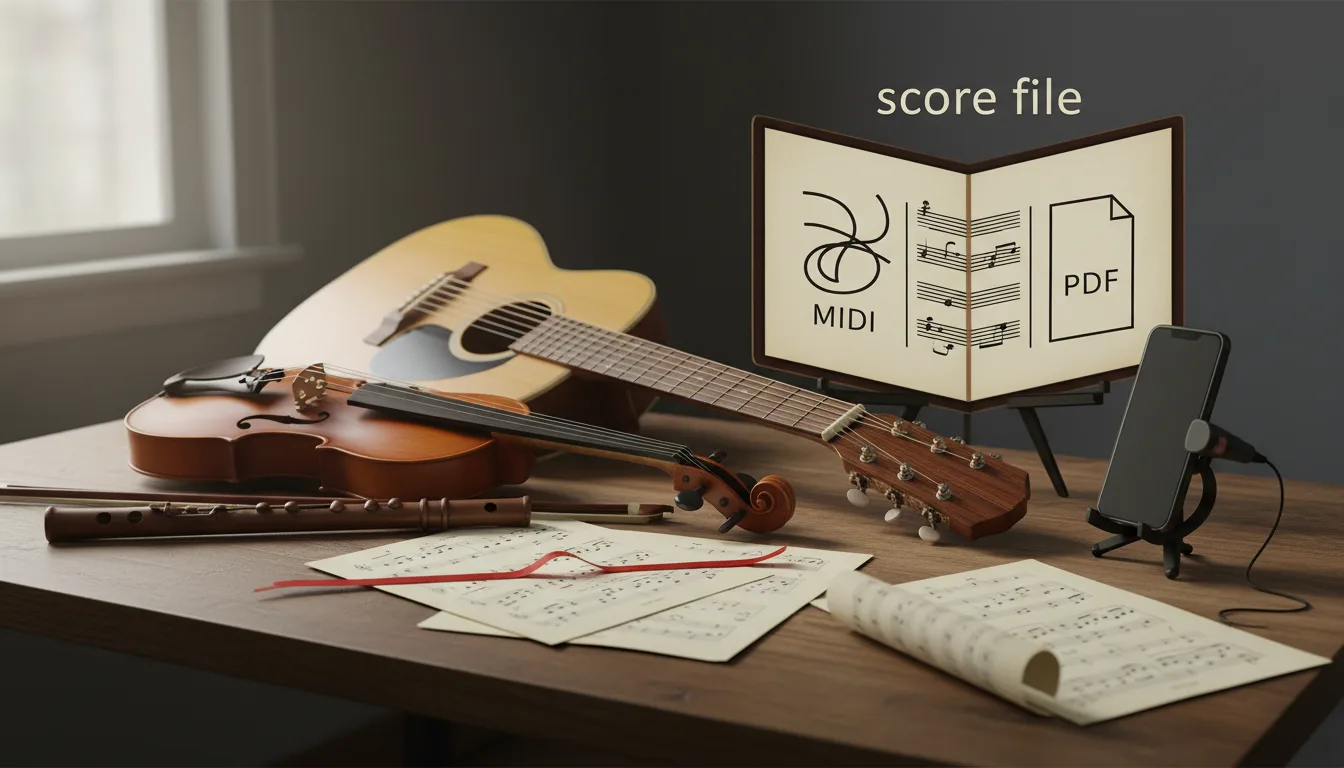
MIDI vs MusicXML vs PDF: Which Score File You Need
MIDI stores what was played, MusicXML how it's written, PDF how the page looks. Which file to use for printing, editing, a DAW, a band or leaving Finale.
13 min read
Own a Digital Piano? Record MIDI, Skip Transcription
A digital piano can record exactly which keys you pressed as MIDI, which beats transcribing audio. Three ways to record it and how to turn it into a score.
11 min read
What Is MusicXML? The Format for Editable Scores
MusicXML explained from the spec: what a .musicxml or .mxl file stores, how it differs from MIDI and PDF, version 4.0, and which programs open it.
7 min read