The editable score
Recording in, MusicXML out.
Every transcription includes a MusicXML file — the score as editable notation data, so you can correct, rearrange and re-engrave it in whichever notation app you already use.
The first 30 seconds of every recording are free, in your browser, with no account.
How it works
01
Upload the recording
MP3, WAV or M4A of solo piano, up to 25 MB and 10 minutes.
02
Check the free preview
The first 30 seconds are engraved in your browser before you pay — the MusicXML is built the same way.
03
Open the MusicXML anywhere
Import it into MuseScore Studio (free), Sibelius, Dorico or Finale and edit it like a score you wrote yourself.
Why MusicXML is the file that matters
A PDF is for reading; a MIDI file is for playback. MusicXML is for changing things: it stores the notation itself — pitches, rhythms, clefs, measures and key signatures — so every note can be moved, respelled or re-voiced without re-entering anything. It is the open interchange format published by the W3C Music Notation Community Group, and it is how a score travels between notation programs.
That is why it ships with every piece here, and why it is the honest answer to imperfect transcription: fix the two bars that are wrong instead of starting from a blank page. What MusicXML is and how it compares to MIDI and PDF cover the format in depth.
What imports cleanly — and what to check
The file describes a grand staff with one tempo and one time signature, notes split between treble and bass, and every note written out — no repeat barlines, dynamics or pedal marks. Notation apps handle that structure well; where imports need attention is musical, not technical: hand assignment around middle C, note lengths under pedal, and rhythms notated exactly as played.
App-specific notes live in the Journal: MusicXML in MuseScore, in Sibelius, in Dorico and moving a Finale score via MusicXML.
Honest limits
Where you will still proofread.
Automatic transcription is a first draft, not a finished score. The free 30-second preview exists so you can see exactly that on your own recording before paying anything.
Notes, not markings
The MusicXML carries pitches and rhythms — no dynamics, articulations, pedal marks or fingerings. Those are yours to add.
No chord symbols or lyrics
It is a full piano score, not a lead sheet. Melody-plus-chords reduction is a manual step.
One tempo and meter
A piece that changes time signature mid-way needs that edit in your notation app.
Hands are inferred
The treble/bass split around middle C may not match your hands. Moving notes between staves is a quick fix.
Rubato writes literally
Free timing becomes literal rhythm — a held eighth can appear as a dotted figure plus a tie. Simplify as you proofread.
Solo piano only
Recordings with voice, drums or other instruments produce wrong notes the MusicXML faithfully carries.
Every purchase includes the MusicXML file, so a wrong note is a few seconds' work in MuseScore, Sibelius or Dorico — not a reason to start again.
Pricing
The first 30 seconds of every recording are free.
One piece
$4.99
One full-length recording, transcribed. PDF, MIDI and MusicXML are yours to keep.
Transcribe a recordingUnlimited
$9.99per month
Every recording you upload, in every format. Cancel whenever you like.
Start transcribingQuestions, answered
How do I get a MusicXML file from a piano recording?
Upload the recording (MP3, WAV or M4A) to the transcriber. The first 30 seconds are free; a full piece is $4.99 and includes the MusicXML alongside the PDF and MIDI, or unlimited pieces for $9.99 a month.
Which programs open the MusicXML file?
MuseScore Studio (free and open source), Sibelius, Dorico and Finale all import MusicXML. The score opens as editable notation on a grand staff.
Why MusicXML instead of just a PDF?
A PDF can only be read or printed. MusicXML stores the notation itself, so you can correct wrong notes, change clefs, transpose, or rearrange the piece without re-entering a single pitch.
Does the MusicXML include dynamics and pedal marks?
No. It contains the notes, rhythms, clefs, key and time signature — a clean notated draft. Dynamics, articulations, pedal marks and fingerings are added in your notation app.
Is MusicXML the same as .mxl?
A .mxl file is just a compressed MusicXML file — same content, smaller download. Both open in the same notation programs.
Go deeper
What Is MusicXML? The Format for Editable Scores
MusicXML explained from the spec: what a .musicxml or .mxl file stores, how it differs from MIDI and PDF, version 4.0, and which programs open it.
7 min read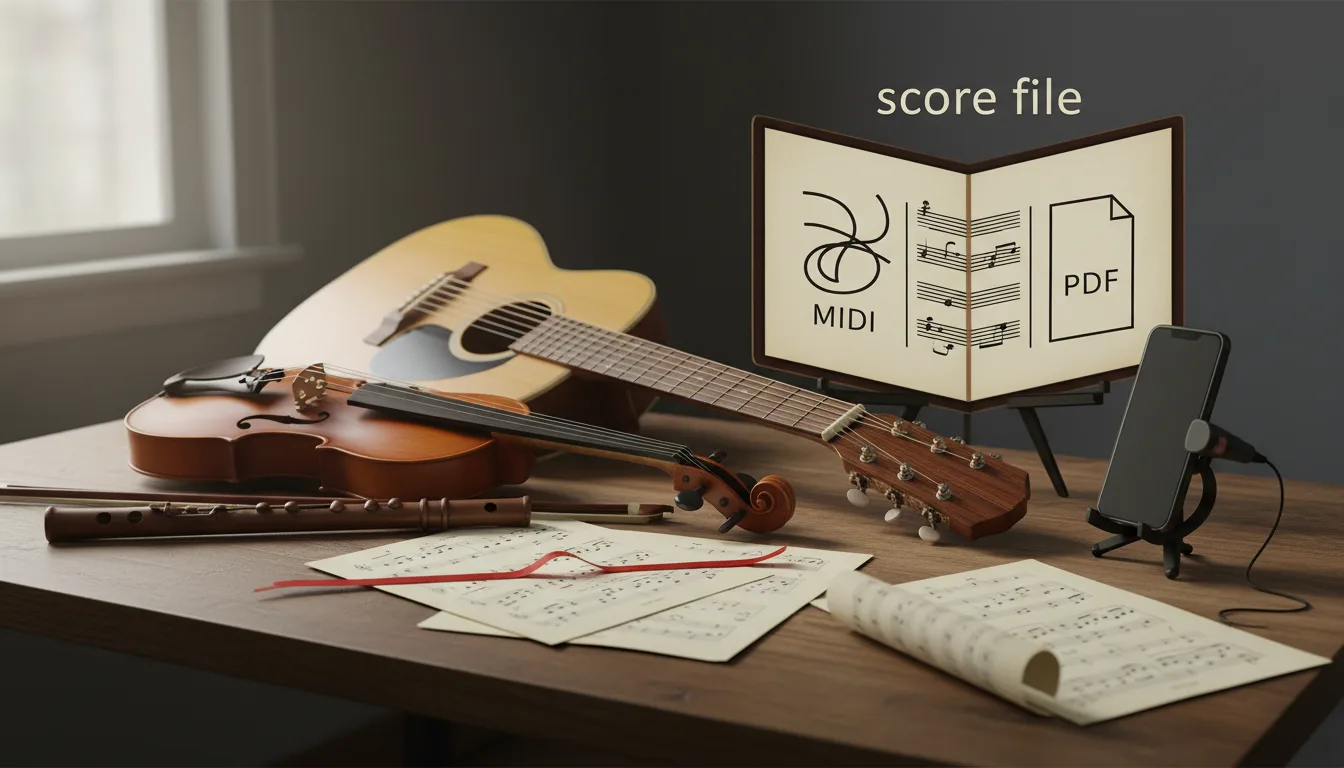
MIDI vs MusicXML vs PDF: Which Score File You Need
MIDI stores what was played, MusicXML how it's written, PDF how the page looks. Which file to use for printing, editing, a DAW, a band or leaving Finale.
13 min read