Guides
Choir Accompaniment From a Rehearsal Recording
Get your accompanist's part onto paper: why the full rehearsal take is the wrong source, recording in an echoey church hall, and the CCLI limits.

By Antoine Duno
Updated October 30, 20269 min read
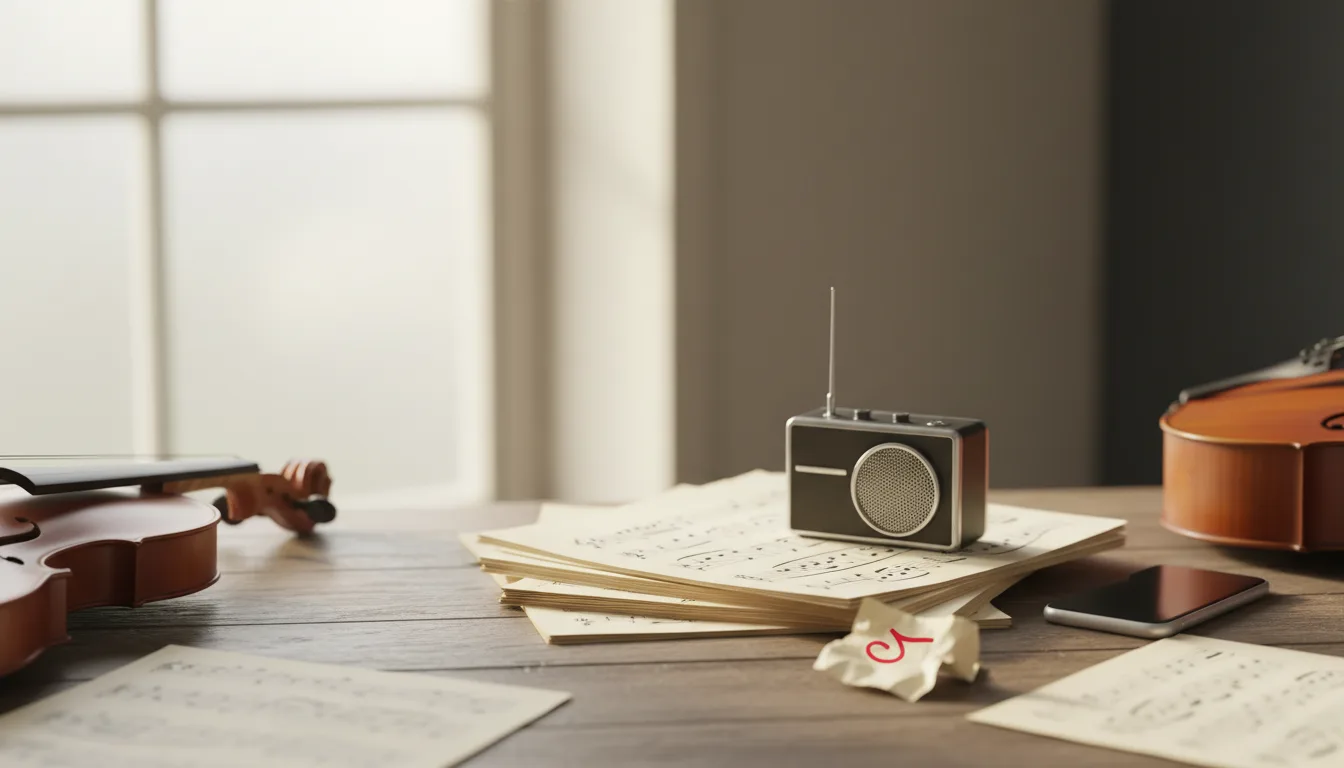
Most church choirs have at least one accompaniment that exists only in someone's hands. The pianist improvised it years ago, it settled into shape over a hundred rehearsals, and nobody wrote it down. Then the pianist is away for Christmas, and the substitute gets a recording and a shrug. This guide covers how to get that part onto paper from a recording, the recording mistakes that make it much harder, and the licensing check that comes first.
Which recording to use
The recording you already have is usually the wrong one. Here is how the common sources compare.
| Source | What's in it | Good for transcription? | What to do instead |
|---|---|---|---|
| Full rehearsal, phone at the back | Choir, piano, the hall's echo, talking | No | Use it only to hear how the part fits the voices |
| Sunday service livestream or recording | Choir, congregation, PA system, often other instruments | No | Same as above |
| Accompanist playing alone, phone across the hall | Piano plus a lot of echo | Weak | Move the phone closer and record again |
| Accompanist playing alone, phone close to the piano | Mostly direct piano sound | Yes | This is the take to transcribe |
| Digital piano, recorded as MIDI | The notes the accompanist actually played | Better than audio | See our guide to recording MIDI from a digital piano |
The reason is simple. A piano transcription tool listens for piano notes, and a soprano line sits in exactly the range of the right hand. Voices get written in as extra notes, or they hide the notes you wanted. Our guide to what transcribes when piano and vocals share one recording goes into the mixed case, but for a choir the answer is the same as for a single singer: record a take without them. It costs five minutes at the end of a rehearsal.
First, the licensing check
This part isn't optional for a church, and it decides whether you should transcribe at all. We describe what CCLI publishes; it isn't legal advice, and CCLI or the publisher can answer for a specific song.
If the anthem came from a published choral edition, the accompaniment is already written down, in the copies you bought. CCLI's US Church Copyright License summary lists, among activities not permitted: "Copying or duplicating choral sheet music, cantatas, musicals, handbell music, keyboard music or arrangements, vocal solos, instrumental works or music education publications in any form." A substitute accompanist needs another purchased copy, not a transcription of your pianist playing it.
If it's a worship song your team arranged for choir because no choral version exists, CCLI's licence has a clause for that. Its US summary says that "only where a published version is unavailable" you may "Make customized vocal and/or instrumental arrangements of Songs". The same summary rules out "Altering or changing the lyrics, melody or fundamental character of any Song", and the copy has to carry the credit line in the form CCLI sets out: title, writer, copyright notice, "Used by Permission" and your CCLI licence number. Our PraiseCharts guide covers checking whether a published version exists before you decide it doesn't.
If someone in your church wrote the song, CCLI's arrangement limits aren't the question; the writer's permission is. Charting an original worship song covers who owns what.
If it's a hymn, check the hymnal's credit line. An old tune can sit under a newer harmonisation, and the harmonisation can be under copyright even when the tune isn't.
How to record the accompaniment in an echoey hall
Church halls and sanctuaries are built to carry sound, which is lovely for a choir and bad for transcription. Reflections reach the microphone a fraction of a second after the note, so a detector hears notes lasting longer than they did, and low notes smear together. You can't change the room before Sunday, so change the distance.
- Record the accompanist alone, ideally right after rehearsal while the arrangement is fresh and the piano is where it always is.
- Put the phone close to the piano, on a stand or a chair, not on the instrument. Our guide to recording piano with your phone suggests starting 2 to 3 feet from an upright or 3 to 5 feet from a grand. In a very live room, err toward the closer end.
- Choose Wide Spectrum on iPhone. Apple's Voice Memos guide says you open Control Center, tap Voice Memos, and "To filter out background sounds in your recording, select Voice Isolation. To include the background sounds, select Wide Spectrum." A piano isn't a voice, so filtering "background" is the wrong choice. Apple notes Wide Spectrum isn't available on all iPhone models.
- Don't count on playback effects. Voice Memos offers Enhance Recording, which Apple says can "reduce background noise and echo when you play Mono and Stereo recordings". It's a playback option, and Apple's guide states that "Changing these settings doesn't affect the recording itself." The echo is still in the file.
- Play the part as the choir hears it, including the introduction, interludes and any repeated verse, but leave out the vamping while the director talks. Pedal as cleanly as the music allows: long pedals are hard for any tool, and a church acoustic adds its own sustain on top.
- Say the section before each take, then pause two seconds before playing. "Verse two, from the key change" helps you label the score later, and the pause keeps your voice out of the notes.
- Export the file. Apple's guide says recordings are exported "in .m4a format" by default, via Save to Files. Voice memos in that format are fine to upload.
We cover the full set of fixes for reverberant rooms in room echo and transcription.
From transcription to a part the substitute can play
A transcription gives you notes on a grand staff: an engraved PDF, a MIDI file and a MusicXML file. It doesn't give you what makes an accompaniment usable in a choir rehearsal, and our tool doesn't write chord symbols or lyrics either. Open the MusicXML in MuseScore Studio, Sibelius or Dorico and add these by hand.
- Bar numbers on every system. Directors say "from bar 33", not "from the second page, halfway down".
- Rehearsal letters at each verse, chorus and bridge.
- Choir cues. A small-note cue of the melody, or a text cue such as "Choir: verse 2", where the singers come in. This is what a substitute needs most.
- Repeats and endings that match what your choir actually sings, not what the recording happened to contain.
- Anything the accompanist does by eye, such as waiting for the director before the last chord. Write it as a fermata or a text instruction.
Then play it back against the recording. Where the playback and the take disagree, trust your ears and fix the score. If your accompanist reads well, ask them to mark up a printout: ten minutes of their time corrects more than an hour of yours.
If the choir also needs a written vocal line, that's a separate job. A piano transcription writes out what the piano plays, and if the accompanist doubles the tune in the right hand, it will be there. If not, the melody has to be added by hand or bought in a published edition.
Getting it to the substitute
Print two copies: one for the piano desk and one for the director, so bar numbers and letters match in rehearsal. Keep the MusicXML with the song, because next year's choir may sing it a tone lower. If your church plans services in scheduling software, attach the PDF there; adding your own charts to Planning Center walks through it. For the wider question of songs no catalogue carries, start with the worship guides.
If you'd like to try the tool on your accompanist's take, you can upload it here.
Frequently asked questions
Can I get the piano accompaniment from a recording of the whole choir rehearsal?
Not cleanly. With twenty voices singing over the piano, a transcription tool hears the voices as notes too, and our tool is built for solo piano. Record the accompanist playing the part alone, in the same room, a few minutes before or after rehearsal. That take gives any tool, or any person transcribing by ear, a far cleaner source.
Does our CCLI licence let us write out a choir accompaniment?
Only in a narrow case. CCLI's US Church Copyright License summary allows custom vocal and instrumental arrangements only where a published version is unavailable, and it lists copying choral sheet music and keyboard arrangements as not permitted. Other regions word this differently. If the anthem was bought as a published choral edition, buy the copies you need rather than transcribing it.
Can we send rehearsal recordings of our choir to members under the CCLI Rehearsal License?
Not recordings you made yourselves. CCLI's Rehearsal License summary covers sharing commercial recordings with your worship leaders, musicians and vocalists for learning, and it lists recording your own version of a song for distribution to them as not permitted. Check with CCLI for your situation before sharing a rehearsal recording of a copyrighted song.
Will iPhone's Enhance Recording fix the echo in a church hall recording?
No, not in the file you upload. Apple's Voice Memos guide describes Enhance Recording as a playback option that reduces background noise and echo, and says changing playback settings doesn't affect the recording itself. The fix is placement: put the phone close to the piano so the direct sound is much louder than the hall's reflections.
What should a written choir accompaniment include?
At minimum, the piano part on a grand staff with bar numbers, rehearsal letters at each section, and the choir's entries cued, so a substitute accompanist knows where the singers come in. A transcription gives you the notes; the cues, section letters and any repeats are added by hand in notation software from the MusicXML file.
Sources
- CCLI: Church Copyright License Summary (US)
- CCLI: Rehearsal License Summary (US)
- Apple Support: Make a recording in Voice Memos on iPhone
- Apple Support: Play a recording in Voice Memos on iPhone
- Apple Support: Export a Voice Memos recording to Files on iPhone
Pages checked 16 September 2026.
Keep reading
Song Not on PraiseCharts? Chart It From the Recording
When PraiseCharts doesn't carry the song: request it, order a custom chart, or write your own from the recording, and what a CCLI licence allows.
14 min read
Charting an Original Worship Song for Your Team
Your team wrote the song, so no catalogue has a chart. Who owns it, which charts to make, how to build them from a recording, and CCLI registration.
10 min read
Song Not on SongSelect? Your Team's Options
Song missing from SongSelect, or listed with no chord sheet? What CCLI says to check, when the licence lets you make your own chart, and how to build it.
9 min read
LCM Piano Own Composition: 2021 vs 2026 Syllabus
LCM's 2026 piano syllabus drops Leisure Play, the route that allowed your own composition. What the 2021 syllabus allows until July 2027, and what's left.
13 min read
Notating a Student's Composition From a Recording
Your student composed at the keyboard, not on paper. How to record it, turn it into a score, and what Trinity, ABRSM and NFMC say about who writes it.
10 min read
NFMC Junior Composers Contest: Score and MP3 Rules
What the NFMC Junior Composers Contest asks for in 2027: a PDF score with the right header, an MP3, file names, age classes and the February 1 deadline.
13 min read