MIDI, MusicXML and Notation Software Guides
MIDI, MusicXML and PDF explained, and how to open, clean up and print a transcription in MuseScore, Sibelius, Dorico and more.
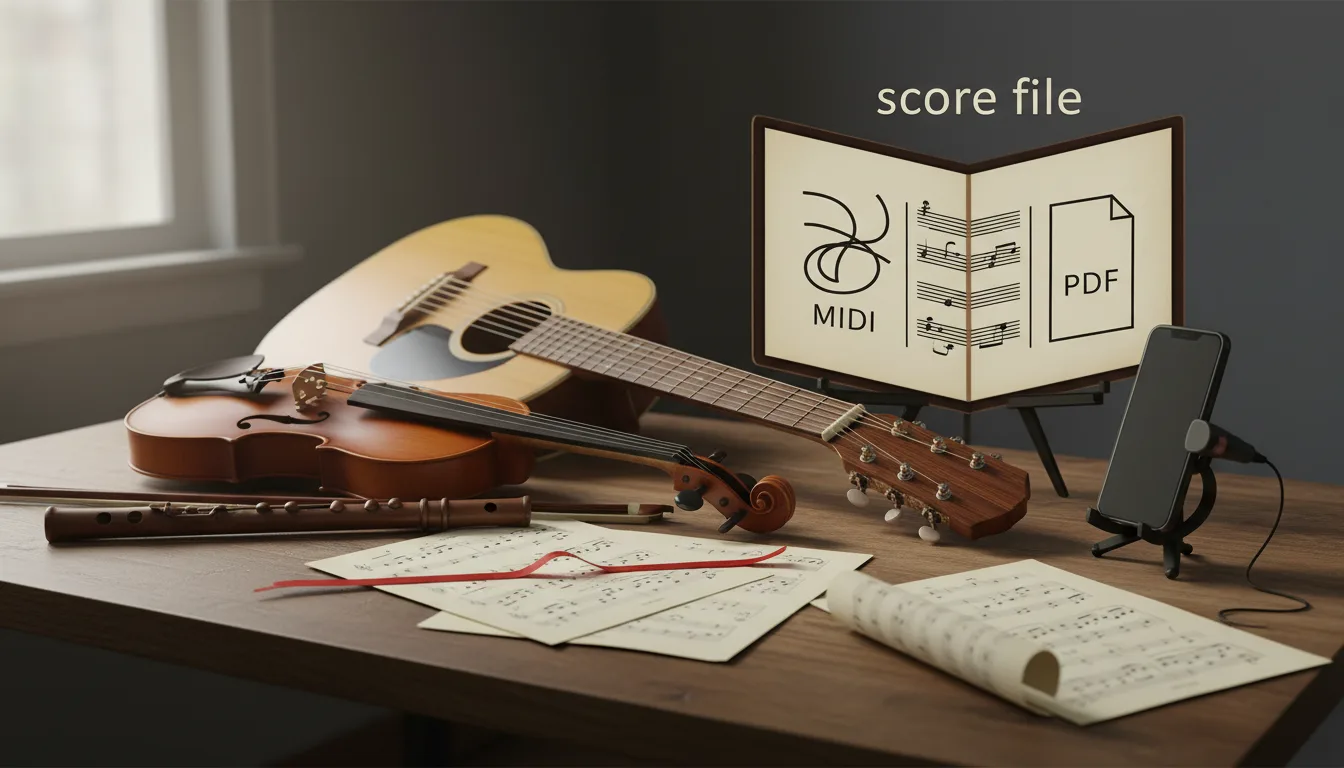
MIDI vs MusicXML vs PDF: Which Score File You Need
MIDI stores what was played, MusicXML how it's written, PDF how the page looks. Which file to use for printing, editing, a DAW, a band or leaving Finale.
13 min read
What Is MusicXML? The Format for Editable Scores
MusicXML explained from the spec: what a .musicxml or .mxl file stores, how it differs from MIDI and PDF, version 4.0, and which programs open it.
7 min read
What Is a MIDI File? Turn One Into Sheet Music in Minutes
A MIDI file stores notes, not sound — so sheet music is one conversion away. What's inside a .mid file, and how to turn one into a printable score.
8 min readAbout this topic
A transcription usually arrives as three files, and each one has a different job. The PDF is for reading and printing, MIDI is for your DAW and practice apps, and MusicXML is the editable score you open in notation software to fix a note, add fingerings or change the layout.
These guides explain what each format stores and what it leaves out, and how to work with a transcription in MuseScore, Sibelius, Dorico and other notation programs: importing cleanly, correcting the usual problems and printing a score someone else can play from.